
Someone saw what happened
Start with what the party did and what impressed the observer. Connect the admiration to courage, kindness, skill or another reason that suits the scene.
NPC and social
Someone noticed.
They have an offer.
You choose the reply.
A good impression becomes a story
Turn useful attention into a choice at the table.
Start with what the party did and what impressed the observer. Connect the admiration to courage, kindness, skill or another reason that suits the scene.
Create a clear offer with value, terms and timing. The players can question it, negotiate, accept or walk away.

The admiration before contact
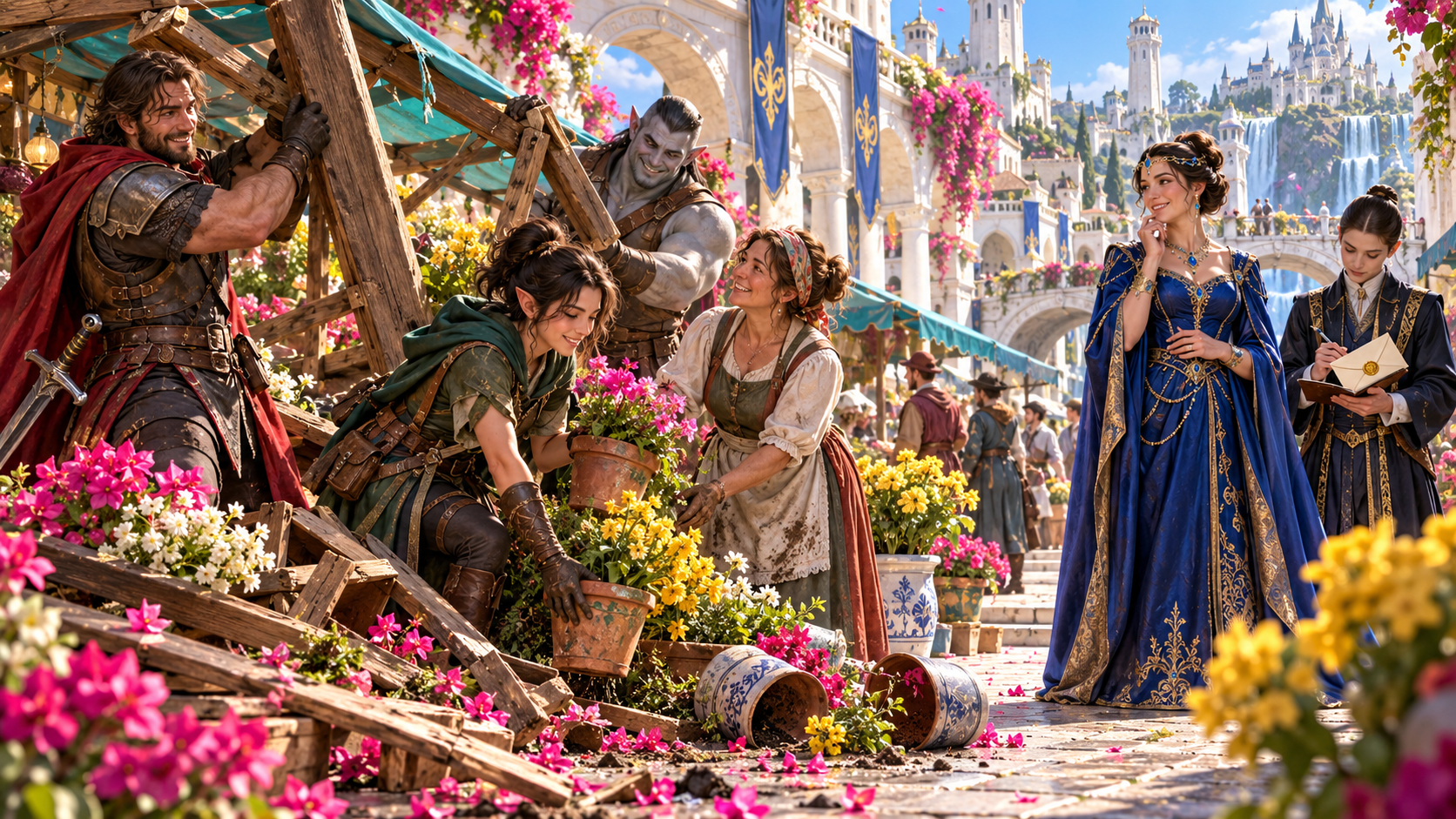
The illustration shows adventurers repairing a flower stall while a noble observer watches and an aide records the moment.
Describe what earned the admiration. Create early signs before the admirer approaches.
From a noticed deed to a useful offer
Build the person, the signs and the terms together.
Describe the deed or moment that caught attention. Choose courage, cleverness, kindness, skill, style, honesty, ruthlessness or luck as the reason.
Name the person and choose their influence. An enthusiastic fan and a powerful benefactor have different ways to approach the party and different resources to offer.
Create two early signs that someone noticed. Give the players something to recognise before the admirer makes their approach.
Choose how contact happens. Connect the introduction to the deed, the admirer and the kind of offer they are making.
Create work, a gift, an alliance, information, a position or training. Explain what makes the offer valuable to the party.
Choose the terms, including no strings. Explain what is asked in return without turning a generated offer into an obligation.
Record when the strings come due. Keep the timing beside the offer so the Dungeon Master can bring it back into play.
Keep the consequence of disappointing the admirer and the truth behind their admiration in the Dungeon Master record.
Lock, change and edit individual sections. Save versions and reopen the admirer with the signs, contact, influence, offer and terms together.
Copy, download or print the full Dungeon Master record or the player-facing account. Keep influence, strings and hidden truth in the private record.

Choose contact offers and timing
The illustration lays out a patron, different offers, a messenger, an hourglass and private context on a tabletop scene.
Choose the contact and offer. Keep the terms and their due date with the private record.
A clear path from deed to decision
Prepare a scene the party can respond to.
Describe what happened and why it impressed someone. Choose the admirer and their level of influence.
Create two signs before contact. Decide how the admirer approaches and what the party notices.
Select work, a gift, an alliance, information, a position or training. Explain its value and any strings.
Record timing, disappointment and private truth. Present the offer while leaving acceptance and action to the players.
The patron and the party
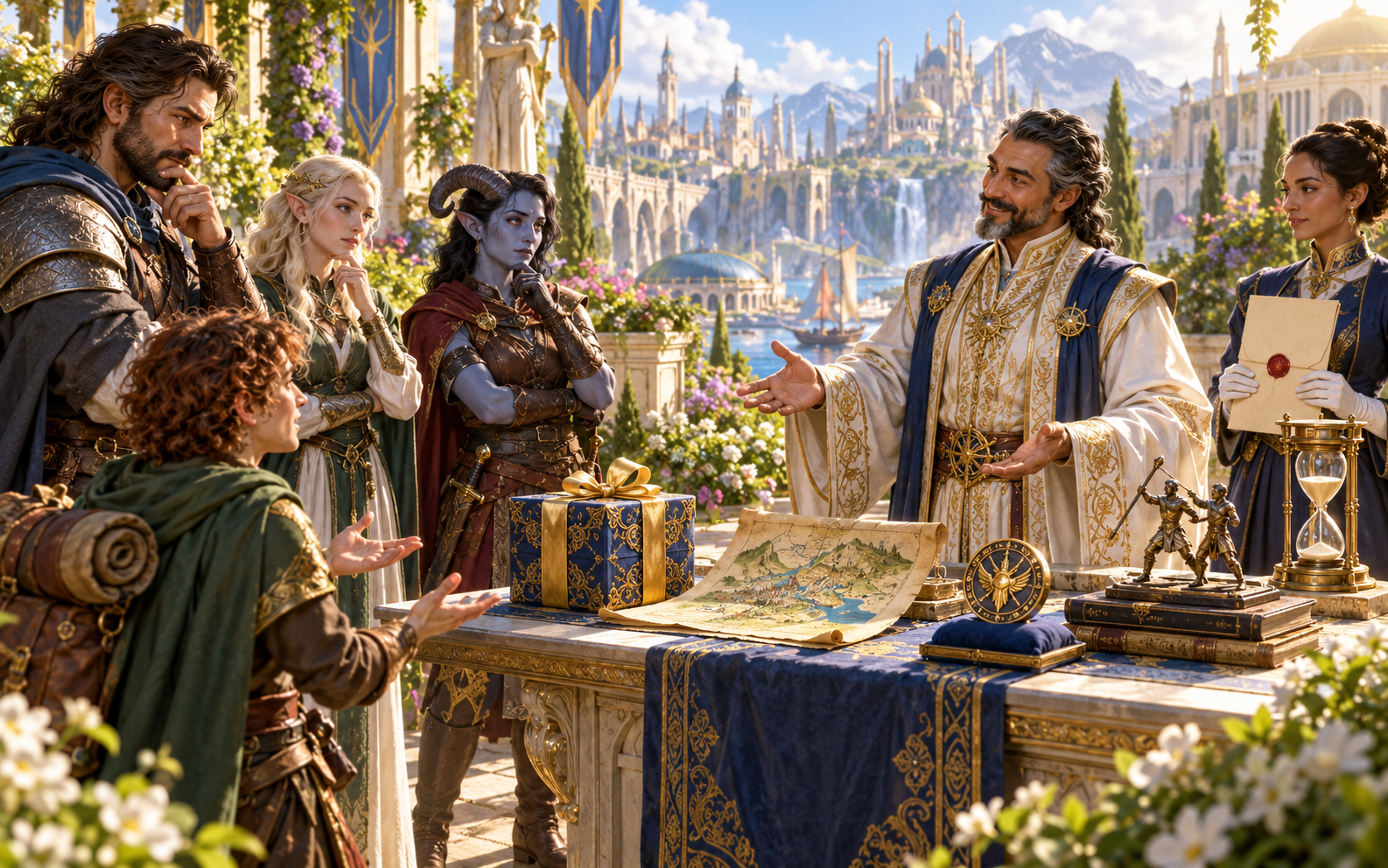
The illustration shows a patron speaking to adventurers across a table with a gift, map, books, invitation and hourglass.
Present the offer and its value. Let the party accept, negotiate or refuse.
Return to the admirer with the context intact
Use the right view for the audience.
Keep influence, strings, timing, disappointment and private truth beside the admirer and their reason for admiration.
Share the deed, admirer, signs, contact and offer. Keep the private information in the Dungeon Master view.
Lock, change or edit individual sections. Save versions and return to the offer with its context intact.
Use the complete record for preparation or the player-facing result at the table. Choose the view before sharing.
Your workspace and related tools
Open your tools through your VISINVOKE account.

Open the generator from the Generators collection. Get the desktop workspace through your account installer page.

Bring notes or an existing deck into an editable presentation. Refine your slides and export PowerPoint.
Product illustrations show a noticed act, the observer, the offer options and the party considering a patron proposal.
Questions and answers
Keep the decision with the players.
An unexpected admirer, what impressed them, their influence, two signs beforehand, an approach, a valuable offer, its strings, timing, disappointment and private truth.
Choose work, a gift, an alliance, information, a position or training. Define what makes it valuable and whether it has any strings.
No. The party can accept, negotiate or refuse. The generator describes the offer and its context; it does not decide what the players do.
The player-facing result contains the deed, admirer, reason for admiration, signs, contact and offer. Influence, strings and hidden truth remain in the Dungeon Master view.
Lock, change or edit individual sections and save versions. Reopen the record with its signs, approach, influence, offer, terms, timing and private context together.
Create a VISINVOKE account or sign in. Get Desktop Control Centre through your account installer page and open the generator from the Generators collection.
Continue in VISINVOKE
Create an account or sign in. Get Desktop Control Centre through your account installer page and open the generator.
Keep the admirer, offer and private context together as the story continues.